
The 10-Minute Weekly WordPress Maintenance Checklist for Small Business Websites
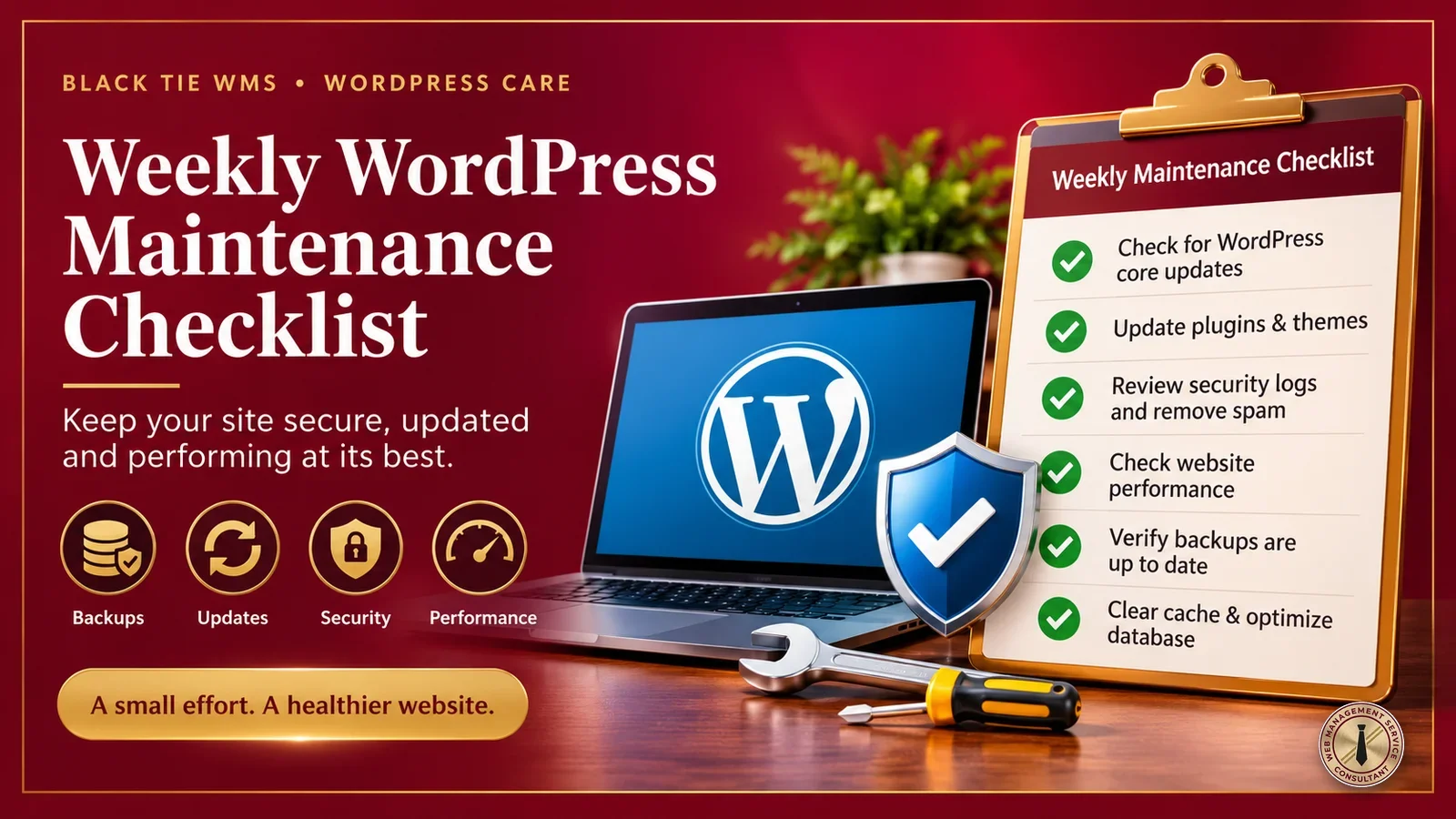
“Small business websites don’t crash. They drift.”
The Weekly WordPress Maintenance Checklist
Ten steps, in order. It doubles as a practical WordPress security checklist — most of these steps close a door before someone else finds it.
- Back up first. A full backup of files and database before you touch anything. If an update goes wrong, you restore in minutes.
- Update WordPress, plugins and your active theme. Then open the homepage and one key page to confirm nothing broke.
- Delete what you don’t use. Inactive plugins and unused themes still sit on the server and still need updates. If it is not active, remove it — but keep one default WordPress theme as a fallback.
- Check your administrators. Every admin account should belong to someone you know. Watch for failed login attempts.
- Turn off the built-in file editor. One line in wp-config.php —
define( 'DISALLOW_FILE_EDIT', true );— stops anyone who gets into wp-admin from editing PHP code there. - Clear spam comments. Never approve a comment that exists to place a link. If your blog doesn’t need comments, close them in Settings → Discussion.
- Review your 404 errors. Redirect real pages that moved. Ignore bots probing for files like index.php.orig — those are attack scans, not broken links.
- Confirm email still works. Send a test through your contact form and check your SPF and DMARC records, so customer messages don’t land in junk.
- Check SSL and speed. Make sure the certificate is renewing and the homepage still loads fast.
- Publish something. A site that hasn’t posted in months looks inactive to visitors and to search engines. A short, useful post is enough — like this one.
What I Found on My Own Site This Week
I ran this checklist on blacktiewms.com — a site I built and look after myself. Here is what my weekly WordPress maintenance checklist caught:
| Found | What I did | Time |
|---|---|---|
| 4 themes with updates waiting, 3 of them unused | Updated the active theme, deleted the unused ones | 3 min |
| 1 inactive plugin | Deleted it | 1 min |
| Built-in file editor switched on | Added DISALLOW_FILE_EDIT to wp-config.php | 2 min |
| A spam comment waiting for approval | Marked it spam, closed comments on posts | 2 min |
| Bots probing for backup files (index.php.orig, index.php.txt) | Confirmed they were scans — nothing to redirect | 1 min |
None of these had broken the site. Every one of them was a small open door. That is the point of a weekly WordPress maintenance checklist: you close the doors while they are still small.
Make It Automatic
The hardest part of maintenance is remembering to do it. So I built a small in-house plugin that runs this weekly WordPress maintenance checklist every Wednesday morning and emails me a one-page WordPress site health report — OK, check, or action needed. My job each week is just to read it and fix what it flags.
If you would rather not do this yourself, that is exactly the work I do at Black Tie WMS.
Ready to Stop Worrying About Your WordPress Site?
Most small business owners don’t have ten minutes a week to spare for a weekly WordPress maintenance checklist — and they shouldn’t have to. Your time belongs to your customers, not to plugin updates and spam comments.
That is a solvable problem. And it does not require a large agency, a long contract, or a bloated retainer.
It requires someone who checks your site every week, fixes what needs fixing, and tells you plainly what was done — the same way I look after my own sites.
That is what WordPress maintenance for small business should look like — and it is what I do at Black Tie WMS.
- Weekly maintenance checks — updates, backups, security and email health
- A short weekly report you can actually read — OK, check, or action needed
- Cleanup of unused themes, plugins, spam and broken links
- Ongoing web management — so your site stays current, secure, and fast
No agency overhead. No junior consultants. Just senior-level expertise applied directly to your business.
Learn more about my WordPress Maintenance Services.
Let’s talk about your site.
→ Contact Black Tie WMS — No Obligation. Just an Honest Conversation.

Amar Chakraborty
Web Management Service Consultant · Black Tie WMS
Senior technology professional specializing in WordPress, WooCommerce, and GEO/SEO strategy for small businesses. Founder of Crafted Memories Photo Albums LLC (CraftedMemories.us).